Example
You want to make the labels of the application services bold and align them to the top of the object. Additionally, you want to make the business process "Close Contract" more transparent.
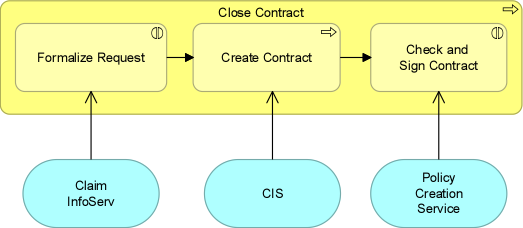
It is possible to change colors, fonts, and other graphical properties of multiple objects and/or relations in a diagram or view simultaneously. Simply select the elements in the diagram or view and click on the command of the property you want to change.
To illustrate the procedure, the following example is used:
|
Example You want to make the labels of the application services bold and align them to the top of the object. Additionally, you want to make the business process "Close Contract" more transparent.
|
 , and click on Attach to the top spot to align the labels to the top.
Example result:
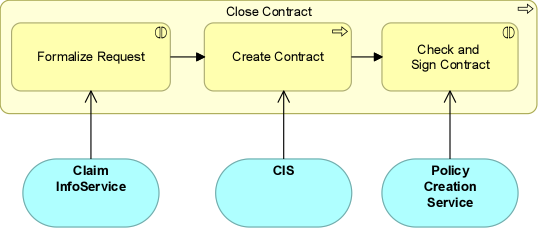
The labels of the application services are now bold and aligned to the top of the object, and the business process "Close Contract" is more transparent.
View the steps in a video:

|
Depending on the elements you want to change simultaneously (only objects or only relations, or objects and relations), some functions may not be available because they cannot be set for (part of) the selected elements. There are different ways to select elements in a diagram or view. For more information, see Ways of selecting elements in a diagram or view. |